
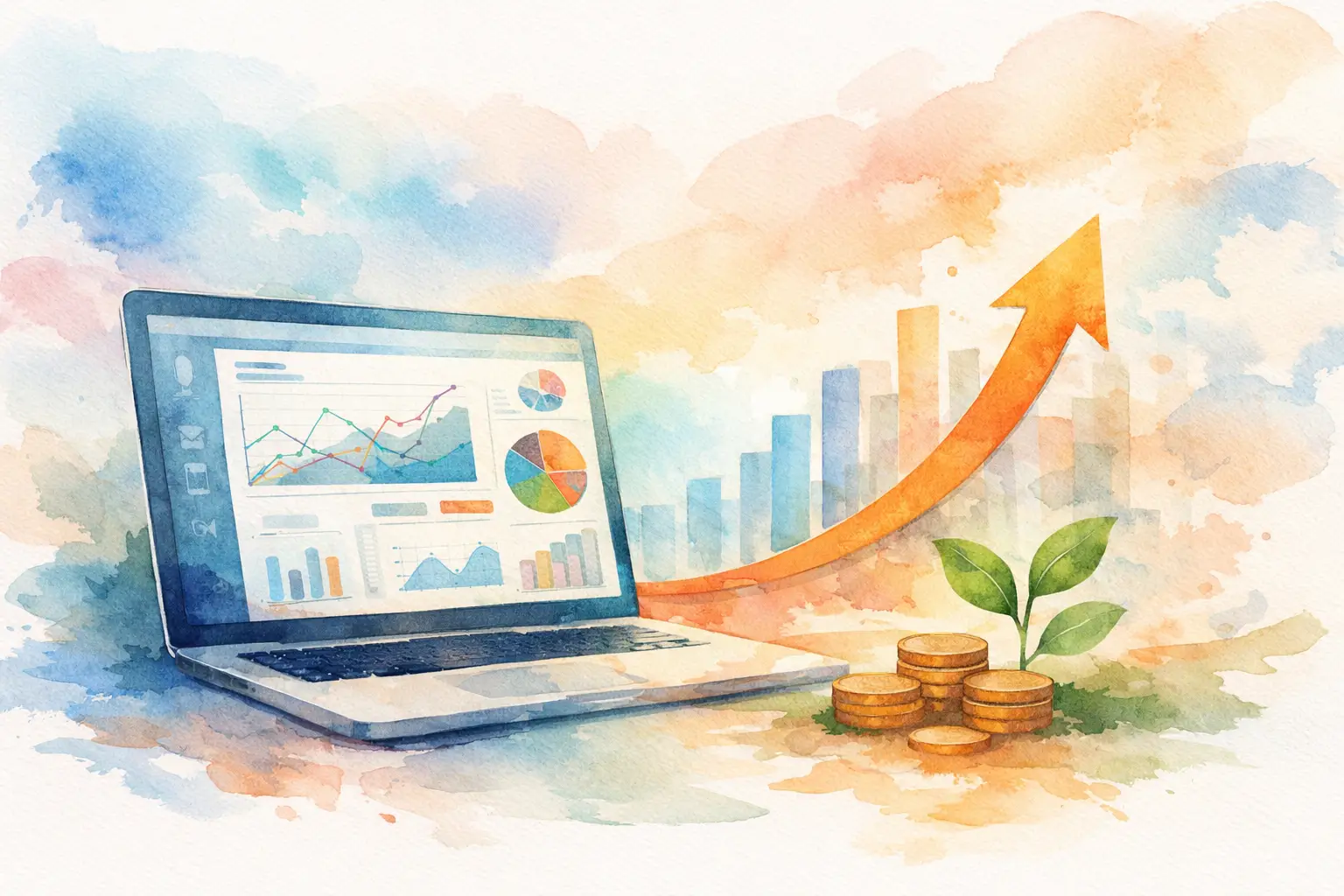
If your team is checking one system for leads, another for calls, a spreadsheet for follow-ups, and email to figure out what happened, you do not have a visibility problem. You have an operations problem. A custom CRM dashboard fixes that by putting the numbers, activities, and customer signals that matter most in one place, so owners and managers can make faster decisions without chasing data.
For small and mid-sized businesses, that matters more than most software demos admit. The issue is rarely a lack of information. It is too much disconnected information. Marketing says leads are coming in. Sales says the leads are weak. Service says response times are slipping. Leadership sees revenue moving but cannot clearly tell why. When those blind spots pile up, growth slows, accountability gets fuzzy, and customer experience takes the hit.
What a custom CRM dashboard actually does
A CRM dashboard should not just look clean. It should answer the questions your business asks every day. How many qualified leads came in this week? Which campaigns produced them? How fast did someone respond? How many estimates are waiting? Which deals are stuck? Which customers have open issues? Where are missed calls happening? Which locations or teams are performing best?
That is where a custom CRM dashboard earns its value. It is built around your workflow, not a generic software template. A contractor may need to see inbound calls, estimate status, technician schedules, and job value. A multi-location retailer may care more about lead source, store performance, repeat buyers, and review activity. A hospitality group may need reservations, campaign attribution, and guest communication data in one view. Same idea, different business logic.
The customization matters because most companies do not fail from a lack of dashboards. They fail from having dashboards full of metrics nobody uses. If the screen shows 25 charts but does not help a manager decide what to do next, it is decoration.
Why generic reporting usually breaks down
Off-the-shelf dashboards work fine when your process fits the software exactly. That is not how most growing businesses operate. Over time, teams add a form tool, a phone system, ad platforms, invoicing software, scheduling apps, and maybe a second CRM because the first one was never fully adopted. Each tool solves one problem and creates another.
The result is fragmented reporting. Marketing can show clicks and form fills. Sales can show pipeline numbers. Operations can show fulfillment activity. But nobody sees the whole path from first contact to closed revenue to repeat business.
A custom CRM dashboard closes that gap. It connects the stages that matter across departments so you can track performance from lead generation through service delivery. That is especially valuable for companies trying to scale without adding unnecessary admin work.
There is a trade-off, though. Customization takes planning. If you rush it, you can build a dashboard around bad process instead of improving the process first. The best dashboards are not created by asking, “What data do we have?” They are created by asking, “What decisions do we need to make every day, and what data supports those decisions?”
What to include in a custom CRM dashboard
The right dashboard depends on the business, but a few categories tend to matter across industries.
Sales and pipeline visibility
This is the core for most companies. You want to see new leads, qualified opportunities, pipeline value, close rates, average sales cycle, and aging deals. It should also be easy to spot bottlenecks. If proposals are going out but approvals are slow, that tells you something different than a lead volume issue.
For owners, a strong dashboard also separates activity from results. A busy sales team is not always a productive sales team. Calls made and emails sent are useful, but closed revenue, conversion rate, and speed to follow-up tell the stronger story.
Marketing attribution that connects to revenue
Many businesses still judge marketing on surface metrics because that is what platforms make easy to report. Impressions, clicks, and traffic have value, but they are not enough. A useful custom CRM dashboard tracks where leads came from and whether those leads became customers.
That changes how you spend. If paid search brings fewer leads than social ads but produces more booked jobs, better margins, or faster closes, the budget conversation shifts. Now you are not guessing which channel feels productive. You are comparing outcomes.
Service and response performance
For service-driven businesses, customer communication speed matters. Missed calls, delayed callbacks, stalled tickets, and weak follow-up can erase the value of good marketing. A dashboard that includes call activity, response times, appointment status, and unresolved issues gives managers a clear picture of operational follow-through.
This is where integrated systems make a major difference. If your phone system, website forms, CRM, and automation tools are not connected, customer handoffs get messy fast. A dashboard should help reduce dropped opportunities, not just report them after the fact.
Customer retention and account health
Growth is not only about new business. Retention, repeat purchases, and account expansion usually offer better margins than constant acquisition. A good dashboard can show renewal timing, repeat customer rate, support volume, customer value trends, and satisfaction indicators.
Not every business needs all of that. A local home services company may focus more on repeat bookings and review generation. A B2B firm may care more about renewals, account engagement, and open service requests. The right view depends on how your revenue model works.
How to build a dashboard people will actually use
The best dashboards are practical, not impressive. Start with the people who need the information. An owner wants high-level performance, trends, and exceptions. A sales manager needs pipeline movement and rep activity. A service manager needs workload and response metrics. Trying to force one screen to do everything for everyone usually creates clutter.
It also helps to define the actions tied to each metric. If lead response time goes above a certain threshold, who is responsible? If one campaign produces low-quality leads, what changes? If calls are being missed after hours, what routing or staffing adjustment needs to happen? A dashboard is only useful when it supports accountability.
Data hygiene matters too. Even the best custom CRM dashboard will fail if your team is inconsistent about entering notes, updating deal stages, or tagging sources correctly. That is not a software problem. It is a process and training issue. Good implementation includes both.
This is one reason many businesses benefit from working with a partner that understands both marketing systems and operational technology. The dashboard itself is only one piece. The real value comes from aligning CRM setup, automations, communication tools, and reporting logic so the numbers reflect how the business actually runs.
Common mistakes to avoid
One common mistake is tracking too many metrics at once. More data does not create more control. It often creates hesitation. If your dashboard does not highlight priorities, teams stop looking at it.
Another mistake is building around departments instead of the customer journey. Customers do not care how your internal software is organized. They care whether you responded quickly, communicated clearly, and followed through. Your reporting should reflect that path.
A third mistake is treating customization as a one-time project. Businesses evolve. New services are added. Sales processes change. Locations expand. Marketing channels shift. A dashboard should be reviewed and adjusted as the business grows. What worked at one million in revenue may not work at five.
When a custom CRM dashboard makes the most sense
Not every company needs a highly tailored setup on day one. If you have a simple sales process, one location, and only a few lead sources, standard reporting may be enough for now. But once you start dealing with multiple channels, multiple team members, service delivery steps, or recurring customer relationships, generic dashboards tend to fall short.
That is usually the tipping point. Complexity enters the business, but visibility does not keep up. A custom CRM dashboard becomes less of a nice feature and more of a management tool.
For Florida businesses competing in crowded local markets, speed and clarity matter. If you are investing in lead generation, customer communications, web presence, and sales follow-up, you need a clear line of sight between effort and outcome. That is where a well-built dashboard supports growth. It gives your team fewer places to hide, fewer details to miss, and a better way to act on what the business is already telling you.
Smargasy approaches this kind of work with the full picture in mind – marketing, systems, communications, and implementation. That matters because growth problems are rarely isolated. They usually sit between tools, teams, and handoffs.
The right dashboard does not just help you read the business more clearly. It helps you run it with less guesswork tomorrow than you did today.