
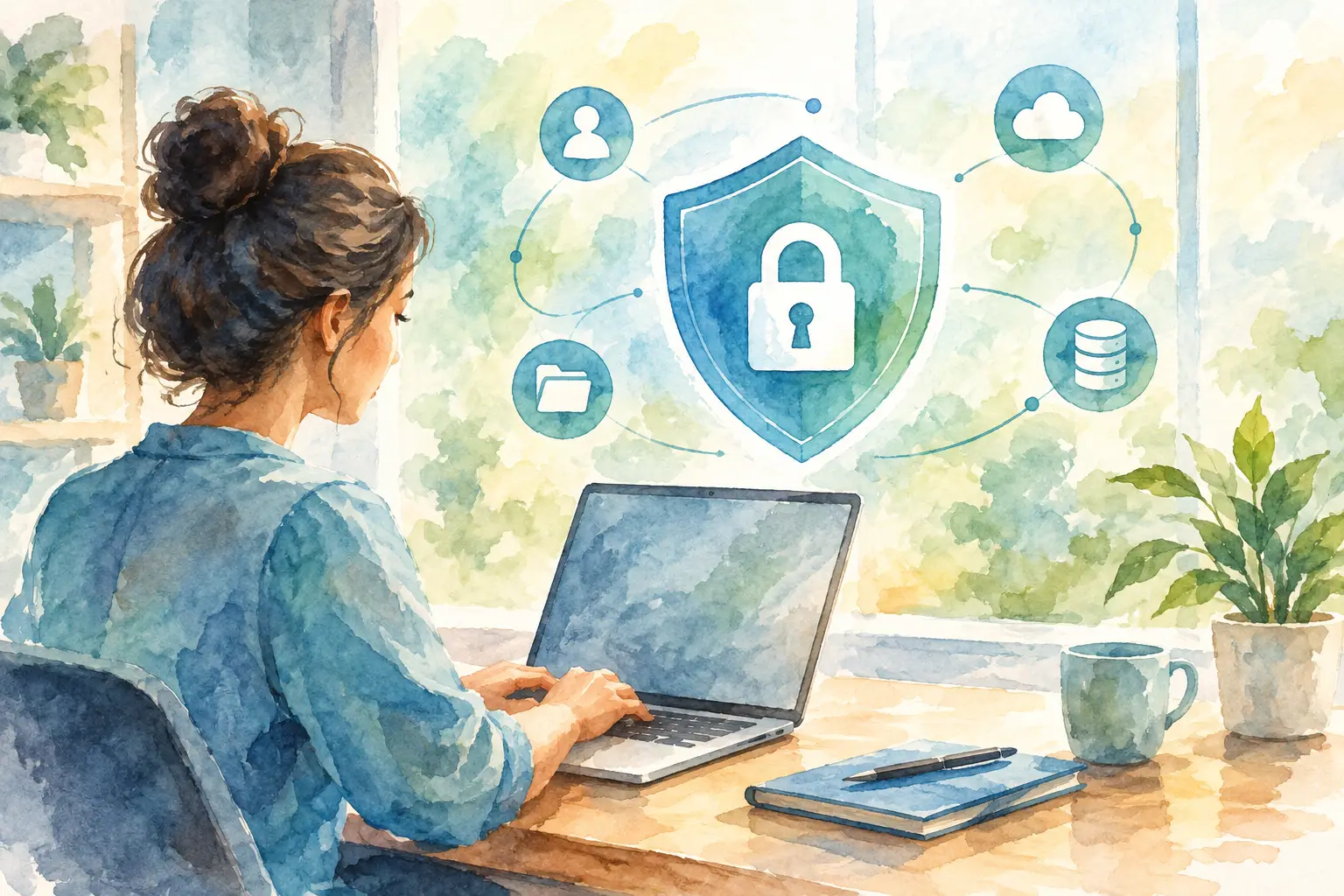
A customer fills out a website form at 10:30 p.m., calls the next morning, receives a follow-up text, and eventually becomes a client. That is a normal lead journey for a growing business. It is also why you need to secure sensitive customer data across every system involved, not just the website or the office computer.
For small and mid-sized businesses, the risk is often not a dramatic movie-style breach. It is an old employee login that still works, a form notification sent to an unmonitored inbox, a spreadsheet downloaded to a personal laptop, or a phone system that does not clearly show who can access call records. These problems are preventable, but only when security is treated as part of daily operations.
Start With the Customer Data You Actually Collect
Most businesses collect more information than they realize. A contact form may capture names, email addresses, phone numbers, service needs, and appointment preferences. An online order adds shipping details. A customer service call can contain account information, property details, or payment-related questions.
The first step is to make a practical inventory. Do not build a 40-page policy before you know where information lives. Map the systems your team uses and identify what customer data enters, where it is stored, who can access it, and how long it stays there.
For many businesses, the list includes:
- Website contact, quote, booking, and checkout forms
- CRM records, notes, tasks, and automated follow-up messages
- Email inboxes and shared folders
- Phone calls, call recordings, voicemail, and text conversations
- Marketing tools, customer lists, and reporting dashboards
- Employee devices, downloaded files, and paper records
This exercise often exposes a bigger operational issue: disconnected systems. When a website, phone line, and customer records do not connect cleanly, employees create workarounds. They copy information into notes, forward messages, download reports, and keep side spreadsheets. Every workaround creates another place where customer data can be misplaced or exposed.
Secure Sensitive Customer Data by Limiting Access
Not every employee needs access to every customer record. A front-office team member may need appointment details and contact information, while accounting may need billing records. A marketing coordinator may need lead source data but not private notes from a service call.
Access should follow the job, not convenience. Give each person the minimum level of access required to do their work, then review those permissions when responsibilities change. This is especially important when someone leaves the company. Their email, CRM, website, phone, and shared-file access should be removed promptly, not whenever someone gets around to it.
Shared logins are a common weak point. They make accountability nearly impossible because no one can tell who viewed, changed, exported, or deleted information. Individual user accounts take a little more setup, but they make troubleshooting and security much easier.
Use multi-factor authentication wherever it is available, particularly for administrator accounts, email, website management, financial systems, and customer databases. A stolen password should not be enough for someone to enter your systems.
Your Website Is Part of Your Security Plan
A business website is not just a digital brochure. It may collect leads around the clock, process purchases, support customer account access, and connect to your CRM or email workflows. If it is outdated or poorly maintained, it can become the entry point that affects everything else.
Keep the website platform, extensions, themes, and server environment current. Remove unused tools rather than leaving them installed indefinitely. Every extra plugin, form, or integration is another item that needs maintenance.
Forms deserve special attention. Collect only the information needed to respond to the request or complete the transaction. If your team does not need a birth date, government ID number, or highly detailed personal background to schedule an estimate, do not ask for it on a general form.
Form submissions should go to a controlled business inbox or directly into your customer management process. Avoid sending sensitive details in plain email whenever another workflow can handle the information more safely. It also helps to set retention rules so old form messages do not sit in inboxes forever.
Connect Systems Without Creating New Gaps
Automation can reduce missed leads and manual data entry. A new inquiry can create a customer record, alert the right team member, trigger a follow-up message, and route a call to the appropriate person. That is useful only when the connections are configured with care.
Before integrating systems, ask a few direct questions. What data moves between them? Is that data necessary? Who can see it at each step? Can the connection be turned off or reviewed if an employee leaves or a process changes?
This matters for AI-assisted follow-up as well. AI can help sort inquiries, draft responses, route after-hours calls, and reduce repetitive administrative work. It should not be given unrestricted access to every customer record simply because it can be. Set boundaries around the information it can use, and keep people involved where judgment, privacy, or exceptions matter.
A connected system should reduce duplicate records and reduce manual handling of information. If automation creates five copies of the same customer details in five different places, it may be fast, but it is not well managed.
Build Simple Habits Your Team Will Follow
Security policies fail when they are too abstract or too difficult to follow during a busy day. Your employees need clear answers for ordinary situations: Can I send this customer file by email? Can I use my personal phone to return a call? What should I do if I receive a suspicious password-reset message?
Keep the rules practical. Require unique passwords and multi-factor authentication. Prohibit sharing customer information through personal accounts or unapproved apps. Set expectations for locking screens, protecting mobile devices, and reporting lost equipment quickly.
Training should include realistic examples from your business, not generic warnings. A property services team may need guidance on address and access-code information. A professional practice may need rules for documents sent before an appointment. An e-commerce operation may need tighter procedures around order changes and customer messages.
People also need permission to pause. If an employee receives an unusual request to change banking information, export a customer list, or reset an executive’s account, they should know exactly who to contact before acting. A short verification call can prevent a costly mistake.
Prepare for Problems Before They Become Emergencies
Even well-run businesses can face a lost device, a compromised email account, or an employee clicking the wrong link. The difference is how quickly the business can respond.
Document the basics: who has authority to disable accounts, who contacts your technology partner, where backups are verified, and how customers will be notified if notification becomes necessary. Keep this plan short enough that someone can use it under pressure.
Backups matter, but they are not a substitute for security. A backup helps you recover data after deletion, system failure, or certain attacks. It does not prevent someone from viewing information they should not have access to. Test recovery periodically so you know the backup process works before you need it.
It is also wise to review vendor access. Your website developer, hosting provider, marketing team, CRM administrator, and phone provider may all need some level of access. That is normal. What matters is knowing what they can access, using named accounts where possible, and removing access that is no longer required.
Make Security a Business Process, Not a One-Time Project
The right level of security depends on what you collect, your industry, your team size, and how many systems touch customer information. A five-person local service business does not need the same process as a national corporation. It still needs clear ownership, current systems, controlled access, and a plan for change.
Review your data flow at least once a year and whenever you add a new form, employee, automation, location, or vendor. Growth changes risk. So does convenience. The spreadsheet that helped when you had 20 leads a month can become a liability when your business is handling hundreds.
For businesses that want their website, customer follow-up, business phone, and CRM to work together, security should be designed into the setup from the beginning. Smargasy helps businesses build connected systems with clear ownership and practical support, so technology does not become another collection of loose ends.
The goal is not to make your team afraid to use technology. It is to give them systems they can trust, clear rules they can follow, and fewer places for customer information to fall through the cracks.